Suno.ing Editorial · Editorial Team
What Is Text-to-Music? Generate a Soundtrack from a Prompt with Suno
Text-to-music explained: AI that creates music from text and how to generate a soundtrack from a prompt in Suno Custom Mode — brief, Style, Lyrics, two-take picks, plus links to the Prompt Playbook.
This page may include product or affiliate links. Affiliate disclosure · Editorial policy
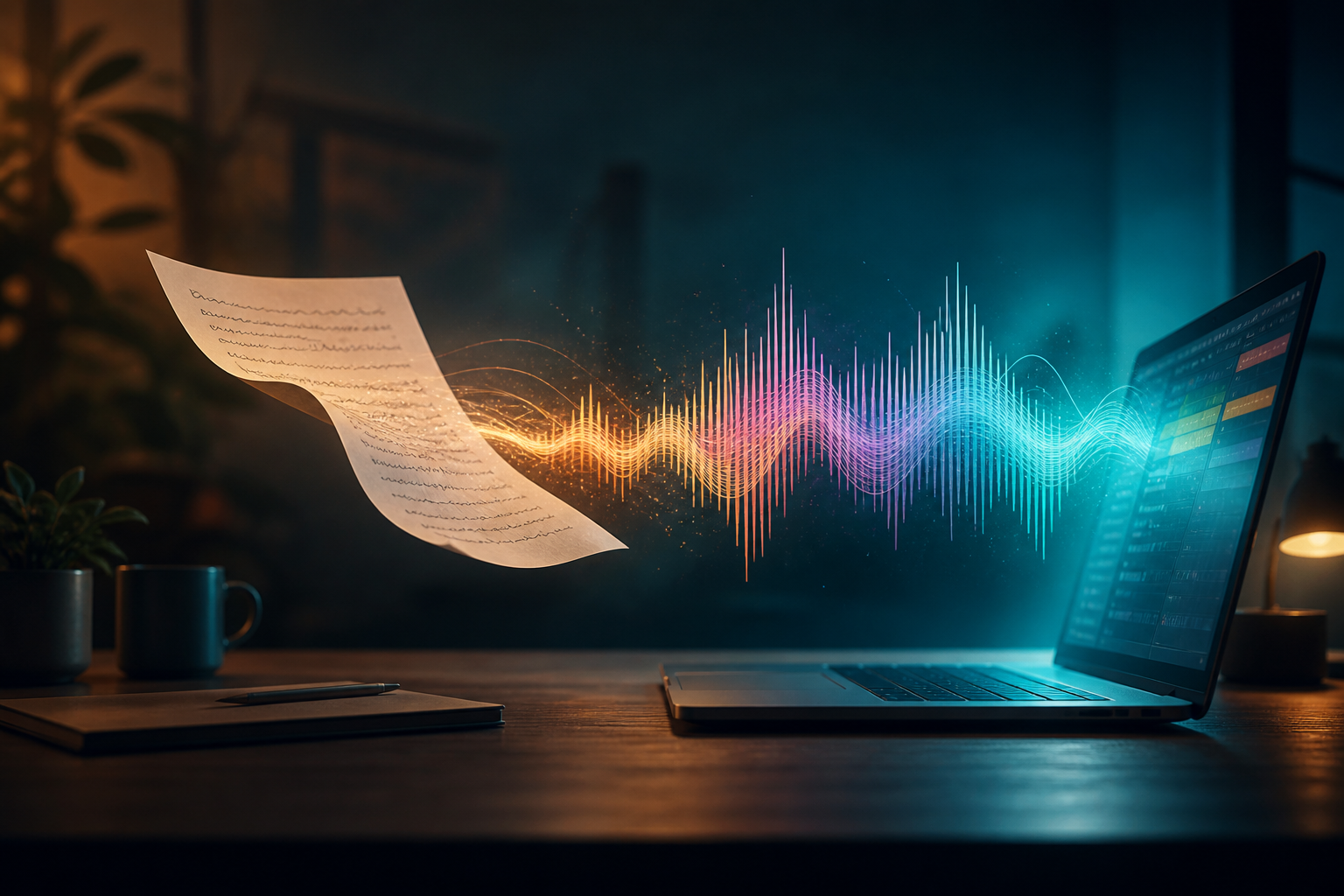
Searches for text-to-music, 文生音乐, AI that creates music from text, or generate soundtrack from prompt share one beginner path: describe music in natural language and get listenable audio. Suno AI makes that path iterative in Custom Mode — not one-line magic, but Brief → Style / Lyrics → pick → Extend/Remix.
This page is category explain + shortest runnable loop (not a replacement for 200+ style recipes). Deep prompts: Prompt Playbook. Category hub: AI Music Generator Guide. Full songs: AI写歌 guide.
What Is Text-to-Music?
Text-to-music means using text (sometimes plus reference audio) as input to generate a waveform or exportable track — a core AI music capability. Common shapes:
| Shape | How people say it | Output |
|---|---|---|
| Text-to-song | AI songwriting, AI song generator | Vocals + arrangement |
| Text-to-score / bed | generate soundtrack from prompt | Instrumental underscore |
| Text-to-hook | Shorts BGM | 15–30s grab |
| Text-to-variant | Remix / Extend | Longer or reskinned takes |
Unlike an empty DAW, you describe the target then iterate. Unlike a stock library, each take is newly generated — still bounded by the model and license terms.
Text-to-Music ≠ One Sentence = Master
Beginners overrate “one line”:
- Fewer constraints → more drift — state genre, vocals, bans
- Structure needs tags — songs use
[Verse]/[Chorus]; beds use[Instrumental] - Always two takes — productivity is selection, not one lucky roll
- Commercial use follows the plan — see Free-tier guide and Copyright guide
Five Steps: Prompt → Soundtrack in Suno
Open the Suno AI music generator:
Step 1 — Write a 4-line brief (more important than clever wording)
- Use: VO bed / lyric song / Shorts hook / trailer
- Length: 15s / 60s / 3min+ (long needs Extend)
- Vocals: yes or
instrumental, no vocals - Bans: drops, horror, recreate famous titles
Step 2 — Fill Style in Custom Mode
English style keywords are usually stabler: genre + mood + instruments + BPM + constraints.
Step 3 — Lyrics box = structure, not a novel
Beds:
[Instrumental]
[Intro]
[Sustain]
[Outro]
Songs: sectioned lyrics + tags (see songwriting guide).
Step 4 — Generate two takes, full listen
Check: first 3 seconds, midrange vs VO, harsh spikes.
Step 5 — Extend / Remix / Studio only when needed
Length, skins, WAV export. Extend: guide. Studio: tutorial.
Six Paste-Ready Text-to-Music Starters
VO-friendly soundtrack from prompt
explainer soundtrack, instrumental, no vocals, soft pulse, 84 BPM, midrange space for speech, no drops, prompt-driven bedStudy / focus lo-fi
lofi study beats, instrumental, no vocals, soft kick, warm keys, 78 BPM, calm, unobtrusive, no dropsMandarin text-to-song
mandarin pop, clear female vocals, chinese lyrics, emotional chorus, 100 BPM, clean mix, text-to-songTravel vlog bed
travel vlog bed, instrumental, no vocals, soft acoustic, warm pads, 92 BPM, spacious, VO-friendlyShorts hook
shorts hook bed, instrumental, no vocals, punchy clean motif, first-second hit, 118 BPM, mobile-friendlyCinematic underscore
cinematic underscore, instrumental, no vocals, rising strings, soft tension, 96 BPM, edit-friendly, no sudden screamsFor more combinations, copy from the Prompt Playbook — this article will not dump 200 rows.
How Text-to-Music Relates to Nearby Ideas
| Idea | Relationship |
|---|---|
| AI music generator | Broader category; text-to-music is the main UX |
| AI songwriting | Text-to-music + lyrics/vocal job |
| AI music prompts | Language layer that controls quality |
| Remix Shorts | Reskin + trim after a text-born core |
| AI music video | Text-to-music + edit timeline |
Three Common Pitfalls
1. Treating a Spotify search string as a full prompt
Missing vocal rules and bans → unreproducible results.
2. Generating an ultra-long “epic” on try one
Lock a short core, then Extend.
3. Shipping ads after a nice preview
Check plan and platform rules first.
Pre-Publish Checklist
- Four-line brief written
- Style includes genre + vocal/instrumental rules
- Lyrics structure correct (Instrumental or sectioned words)
- Two takes + full listen
- Extend/Remix/export done if needed
- Commercial intent matched to plan tier
What We Tested (Hands-on Notes)
In 2026-08, editorial validated a beginner text-to-music path with “four-line brief + VO bed Style.” Notes: Suno.ing editorial.
Log
| Take | Action | Result | Takeaway |
|---|---|---|---|
| A | Full brief + VO Style | passed | brief first |
| B | Only “sad music” | fail — drift | need constraints |
| C | Bed without no vocals | fail — fought VO | instrumental first |
| D | Short core → Extend | passed | short then long |
| E | No listen, treat as master | fail | always QC |
Recommended beginner recipe
explainer soundtrack, instrumental, no vocals, soft pulse, 84 BPM, midrange space for speech, no drops, loop-friendlyCorrections: Contact.
Summary: Text-to-Music Is Controlled Prompting, Not Wishing
Text-to-music lets anyone start AI music with words; publishable results need a brief, constraints, selection, and compliance. Run one prompt → soundtrack loop in Suno, then graduate to the Prompt Playbook and song/short-form guides so search intent becomes a stable workflow.
Open Suno to start text-to-music, paste the VO-friendly soundtrack Style, and pick your first soundtrack from prompt.
Next (song ready, need a video cut): 3 paths to turn a Suno song into an MV.